01 / MAIL
A home for
every conversation.
Bring your inboxes together. Read, reply and find what you need, without losing your place.
 mailsi.
A FRIENDLIER KIND OF INBOX
Email, meetings and to-dos, together in one thoughtful Mac app. With a little help from Si.

For everything that starts with
“I’ll get back to that.”
Your day doesn’t arrive in neat little boxes. Mailsi helps you put the pieces together.
Bring your inboxes together. Read, reply and find what you need, without losing your place.
See your Google Calendar, check availability and make plans right beside your inbox.
Turn an email into a task, add a due date and keep the original conversation one click away.
A LITTLE LOOK INSIDE
A familiar inbox, a clear calendar and a task list that remembers where things started.
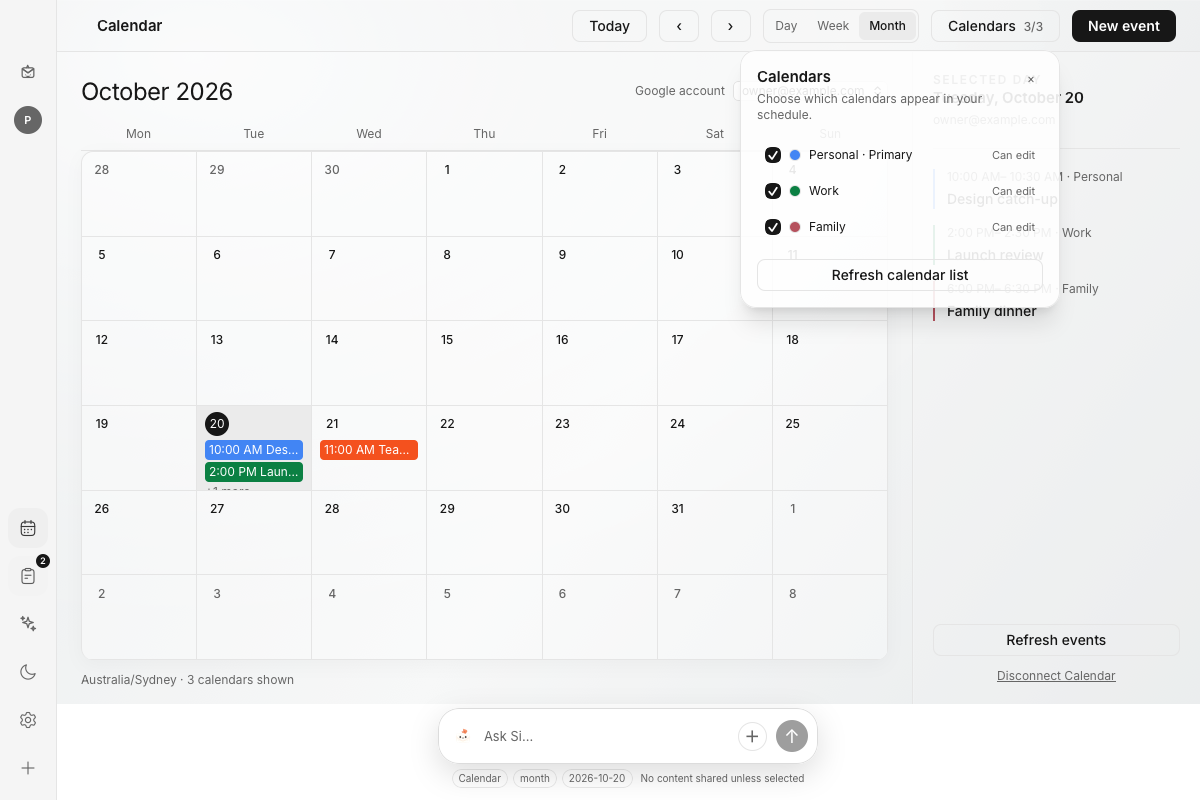
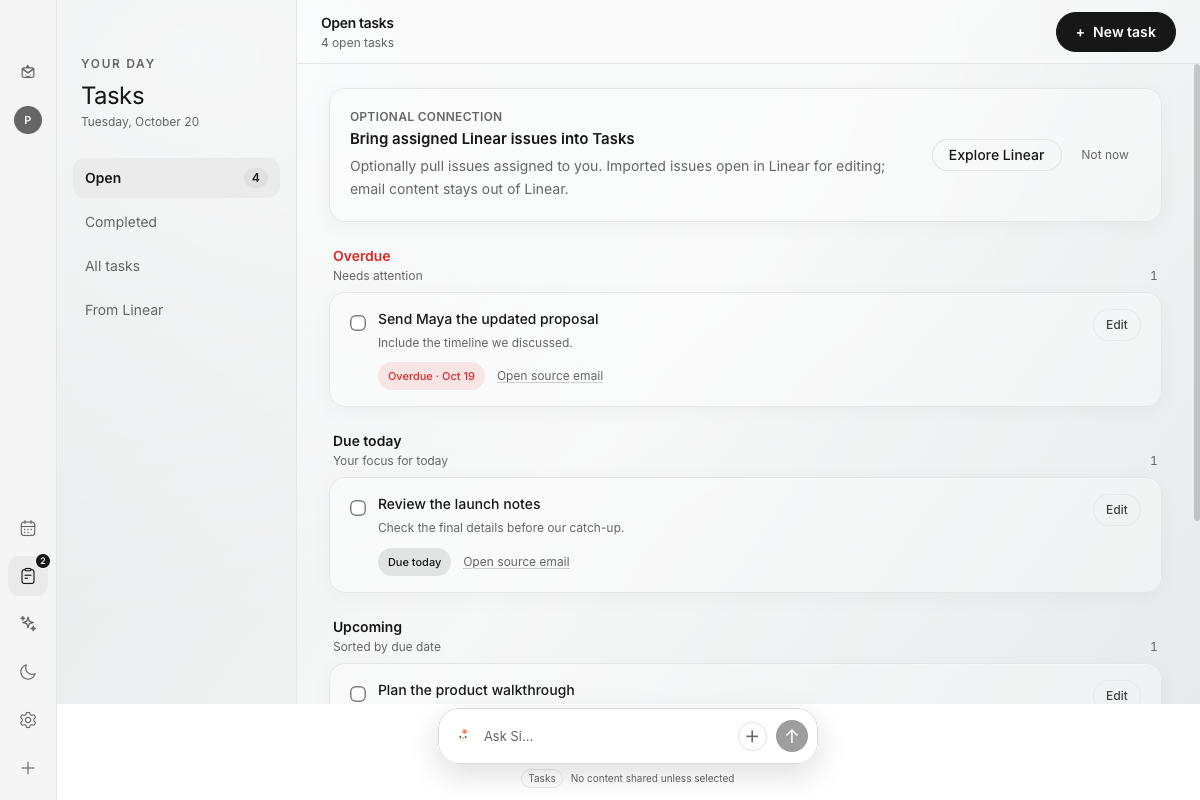
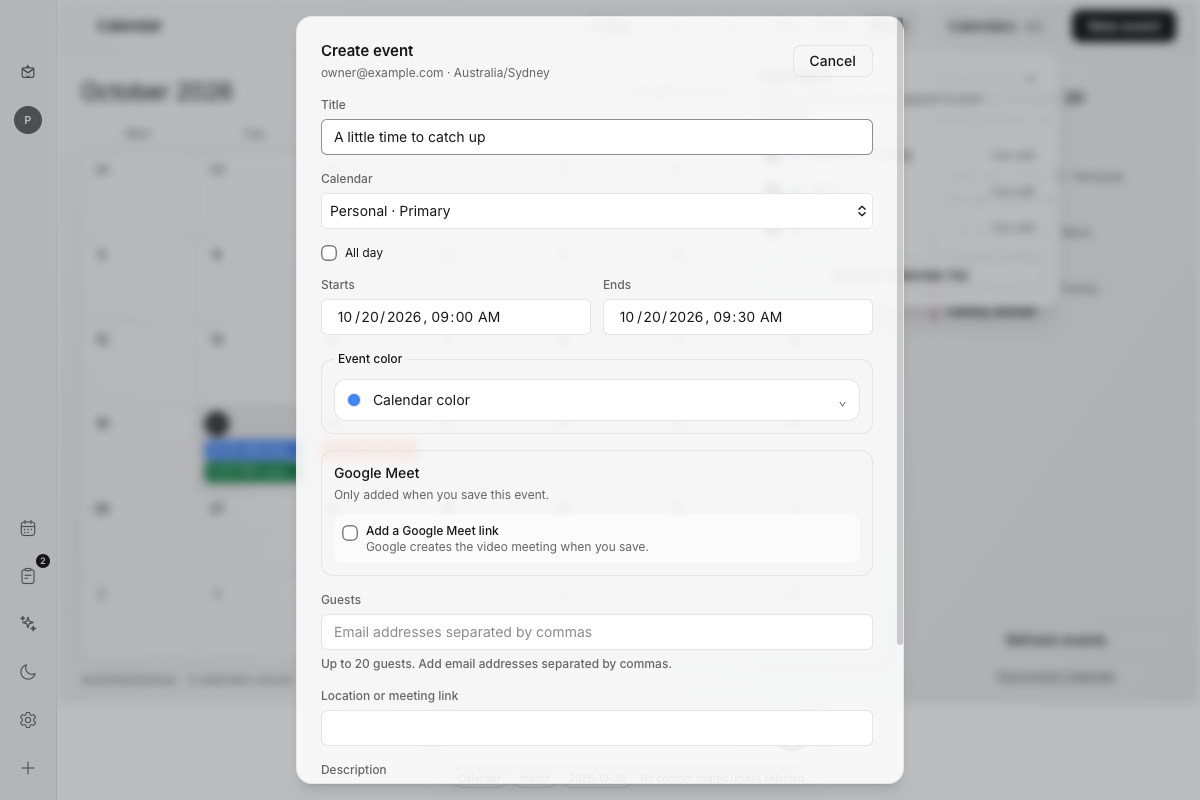
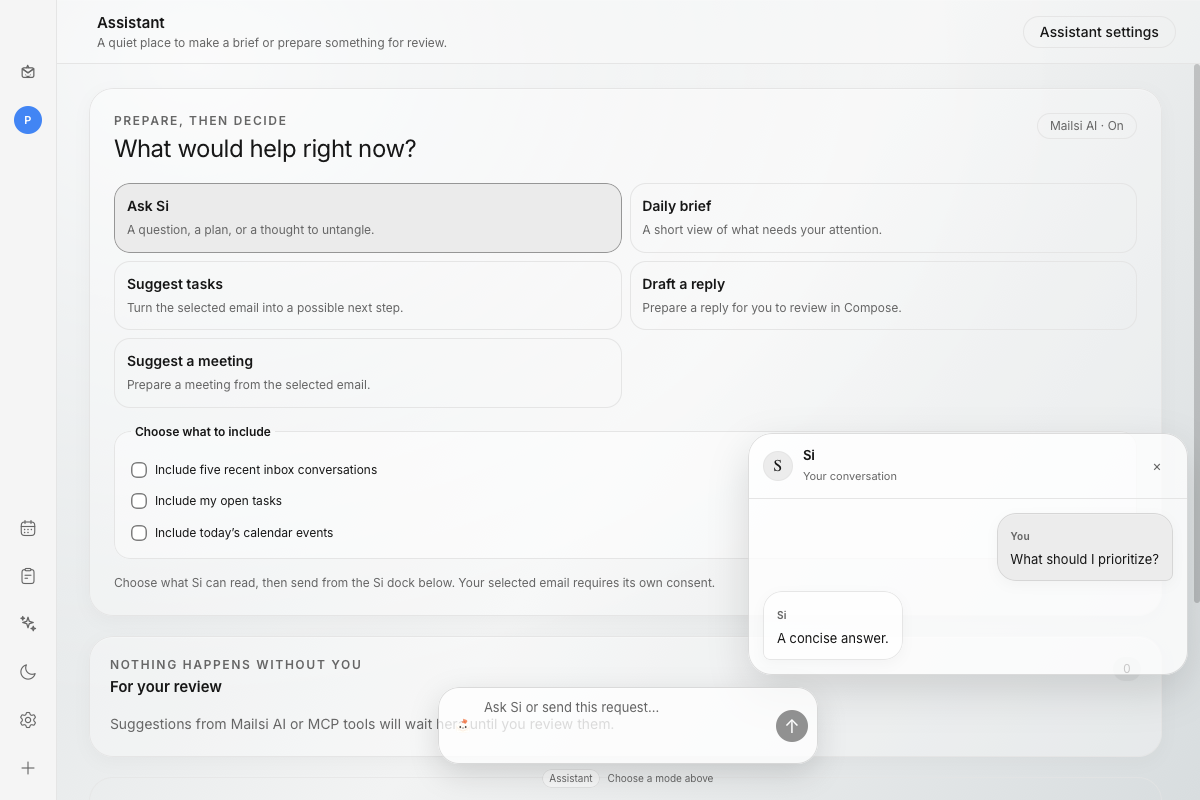
Dates, availability and plans. Without another tab.
The current build keeps mail and tasks in an encrypted database on your Mac, with account credentials in macOS Keychain. It connects directly to the providers you choose.
Bring the things you already use.
Provider access varies. Linear is an optional import; Mailsi doesn’t send your emails to Linear.
SIMPLE, PLANNED PRICING
When Mailsi’s paid plan opens, it’s planned to include Mailsi AI and cost:
Planned pricing · Billing and cloud plans aren’t open yet. No subscription is created by joining early access.
Here’s where we’re at.
Mailsi is an early-access Mac app that brings email, Google Calendar and local tasks together. Si is our little paper helper and the face of the app.
We’re preparing a private early-access release. Join the list and we’ll let you know when you can try it. Google approval and Apple notarization still need to be completed, so we’re keeping the first release small.
No. For Gmail, click Sign in with Google, select your account and review the permissions in your browser. Other email providers use IMAP and SMTP settings and may require an app password.
Mailsi AI is optional. You start each request and choose whether to include a selected email, recent inbox conversations, local tasks or calendar events. Selected context and your instruction are sent to Mailsi’s service on Netlify and then to OpenAI to generate a response or a suggestion for you to review. Si cannot send email or make calendar changes on its own. Read the privacy note.
Yes. You can optionally connect Linear and pull issues assigned to you into Mailsi. Imported issues open in Linear for editing. Local tasks stay on your Mac.
Meet Mailsi. Make room for the good stuff.